
How to scan your QR code
The video could not load. The steps below show both ways to scan.
Subtitles
Two ways to scan
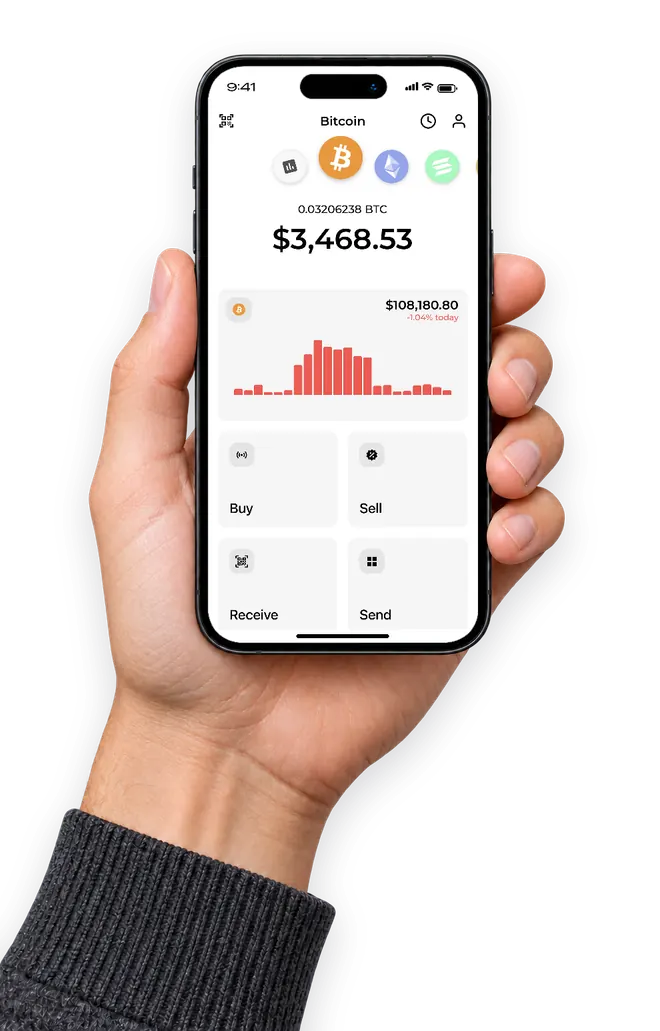
Open the Receive screen in your Bitcoin wallet so its public QR code is visible, then hold it up to the ATM scanner.
-
Step 1
Show your wallet QR code
Open the Receive screen in your Bitcoin wallet so its public QR code is visible.
-
Step 2
Scan it at the ATM
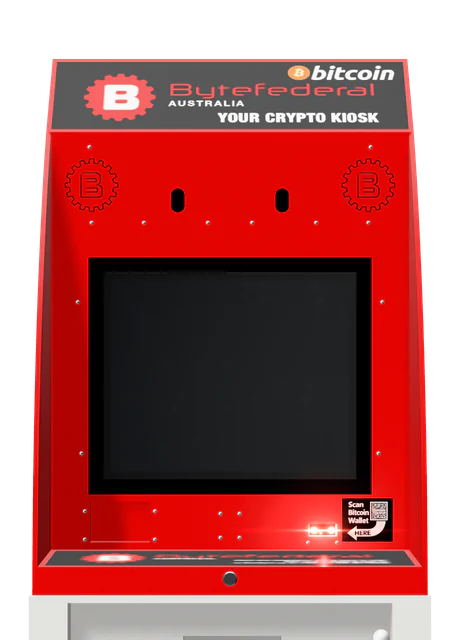
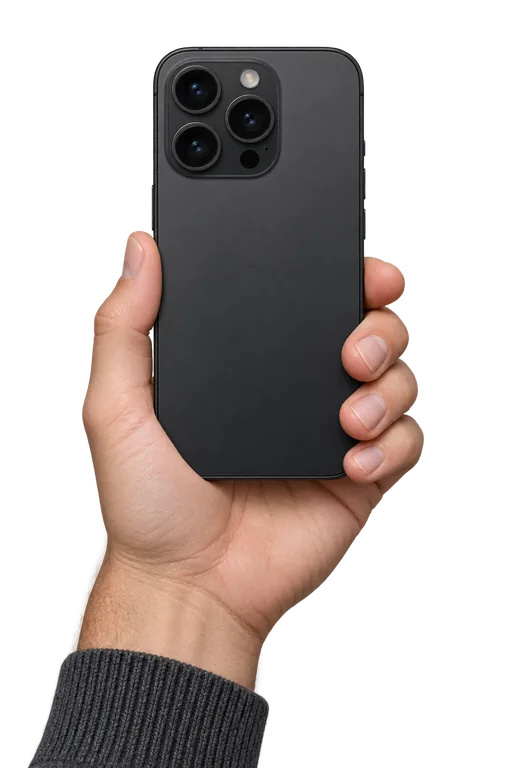
Hold the QR code up to the camera above the screen, or use the barcode reader below the screen.
Option 1
Barcode reader
Below the screen
Option 2
Camera
Above the screen

QR code not scanning?
- Raise your phone brightness.
- Enlarge the QR code.
- Make sure you are showing a public receiving address.
Need help at the ATM?
Contact Byte Federal Australia through live chat or call us.
Read the full ATM guide