
 ByteVault video guide
How to create your Bitcoin wallet
Get started with ByteVault in just a few simple steps. Follow our video guide to create your wallet, securely back up your recovery phrase, and start using ByteVault.
- 1 minute video
- 5 steps
No sound. Every step is captioned on screen.
Create your wallet in a few easy steps
Each step matches a chapter of the video. Open ByteVault on your phone and follow along.

-
Step 1
Download and open ByteVault
Download ByteVault from the App Store or Google Play and open the app.
-
Step 2
Add a new Bitcoin wallet
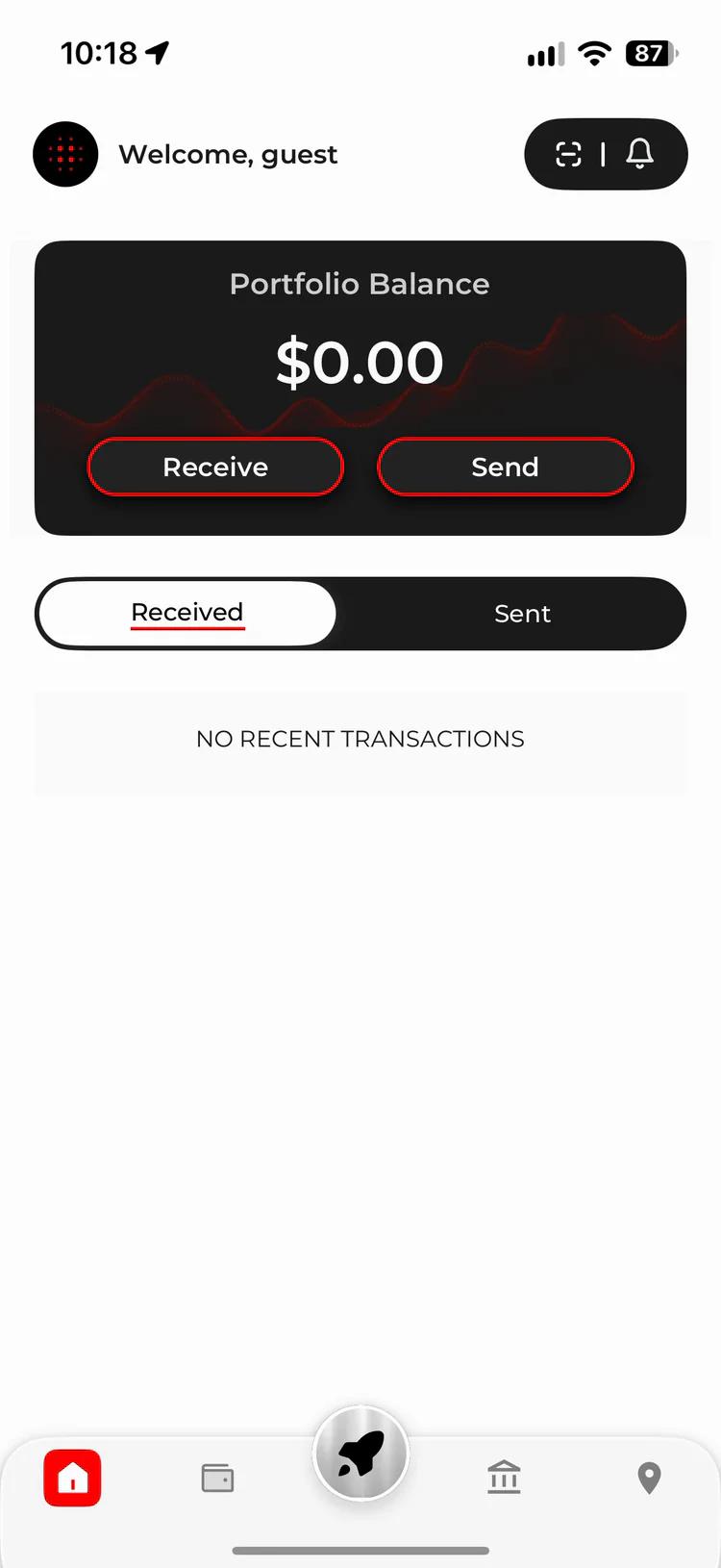
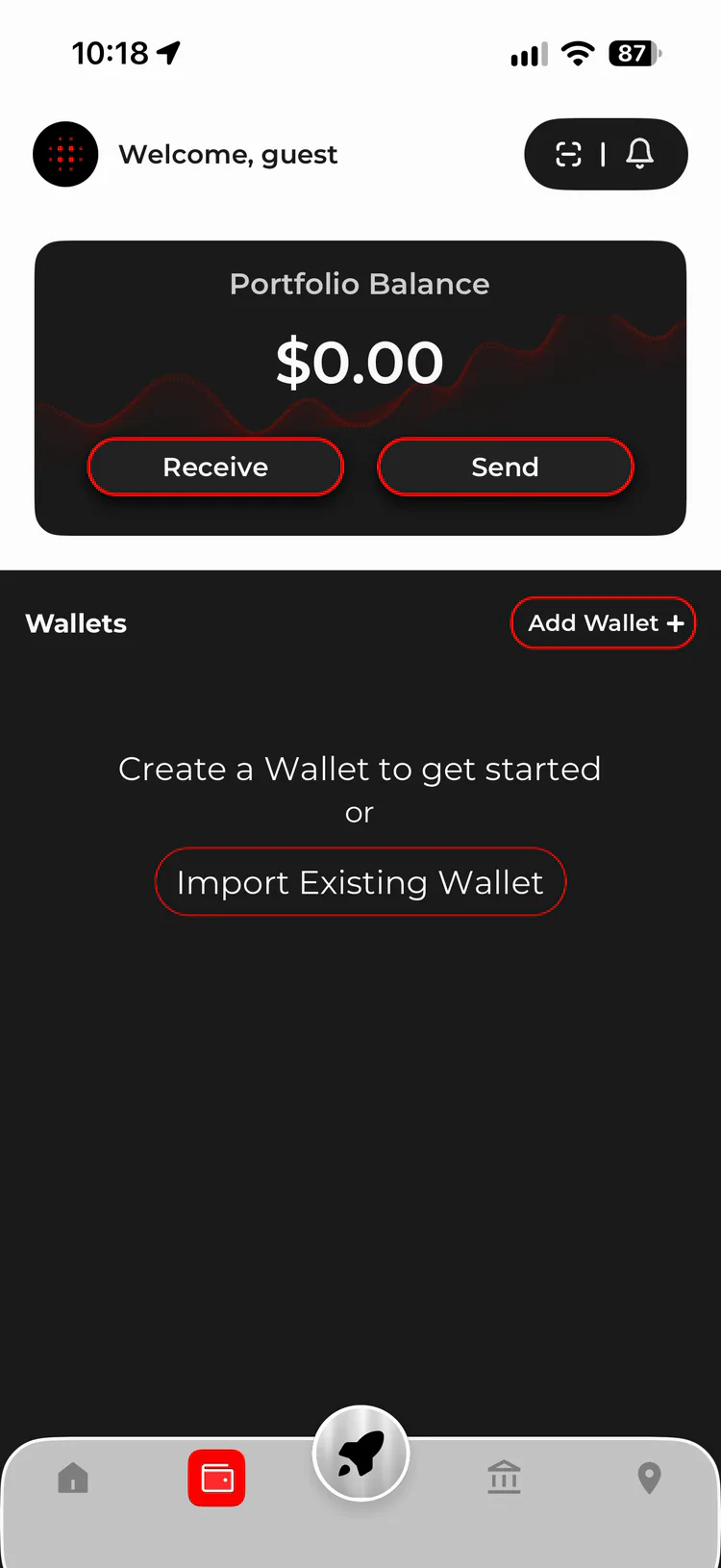
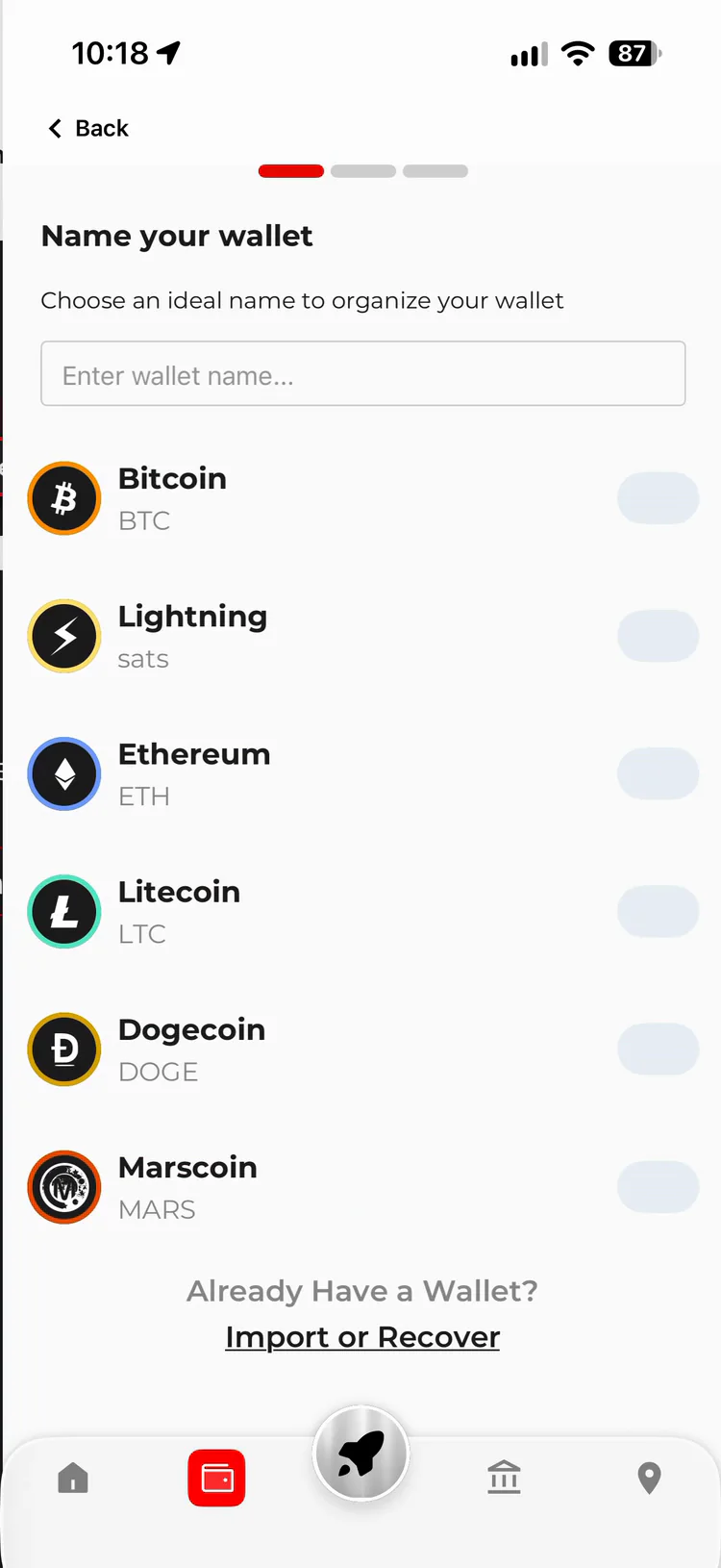
Tap the Wallet icon in the bottom bar, then tap Add Wallet + at the top of your wallets list.
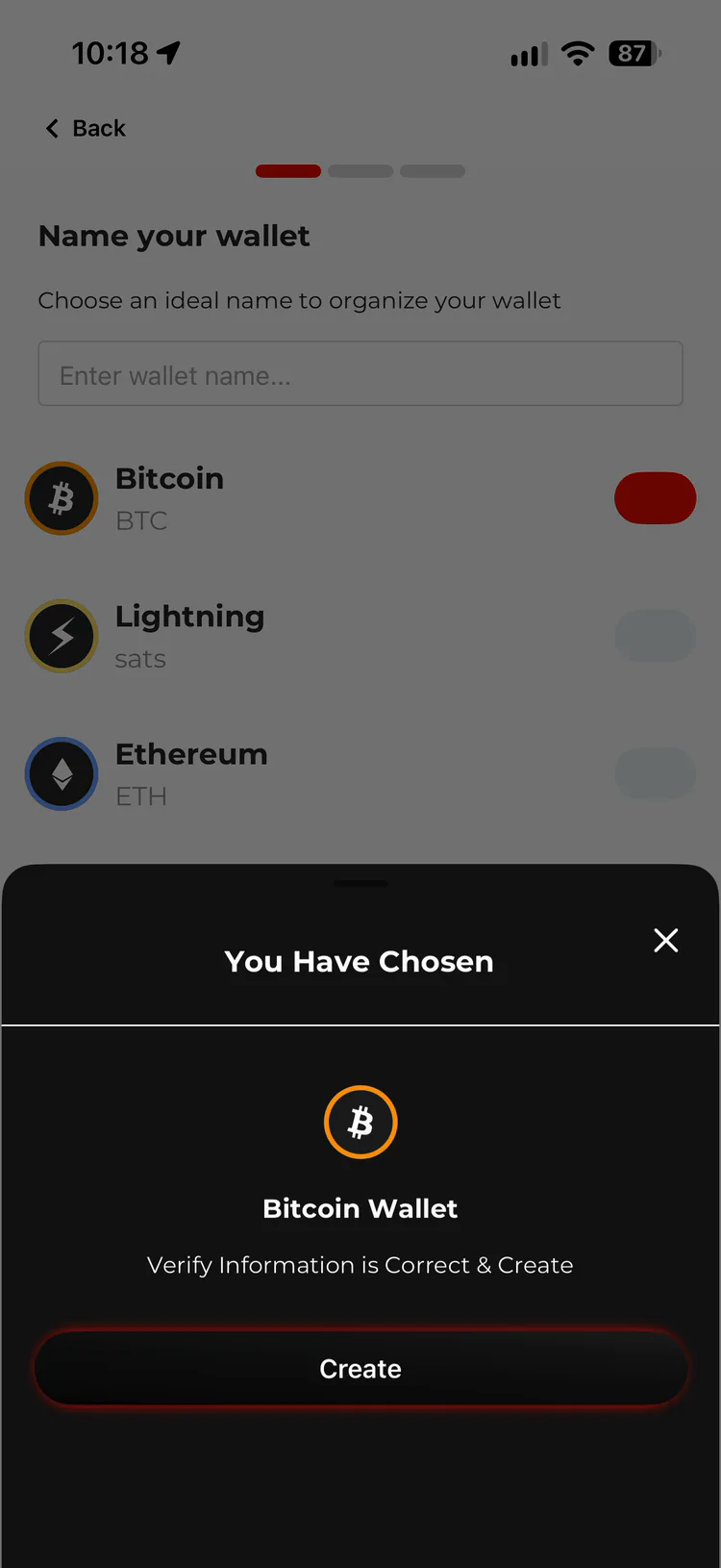
Name your wallet if you like, switch on Bitcoin, check the details and tap Create.
-
Step 3
Back up your recovery phrase
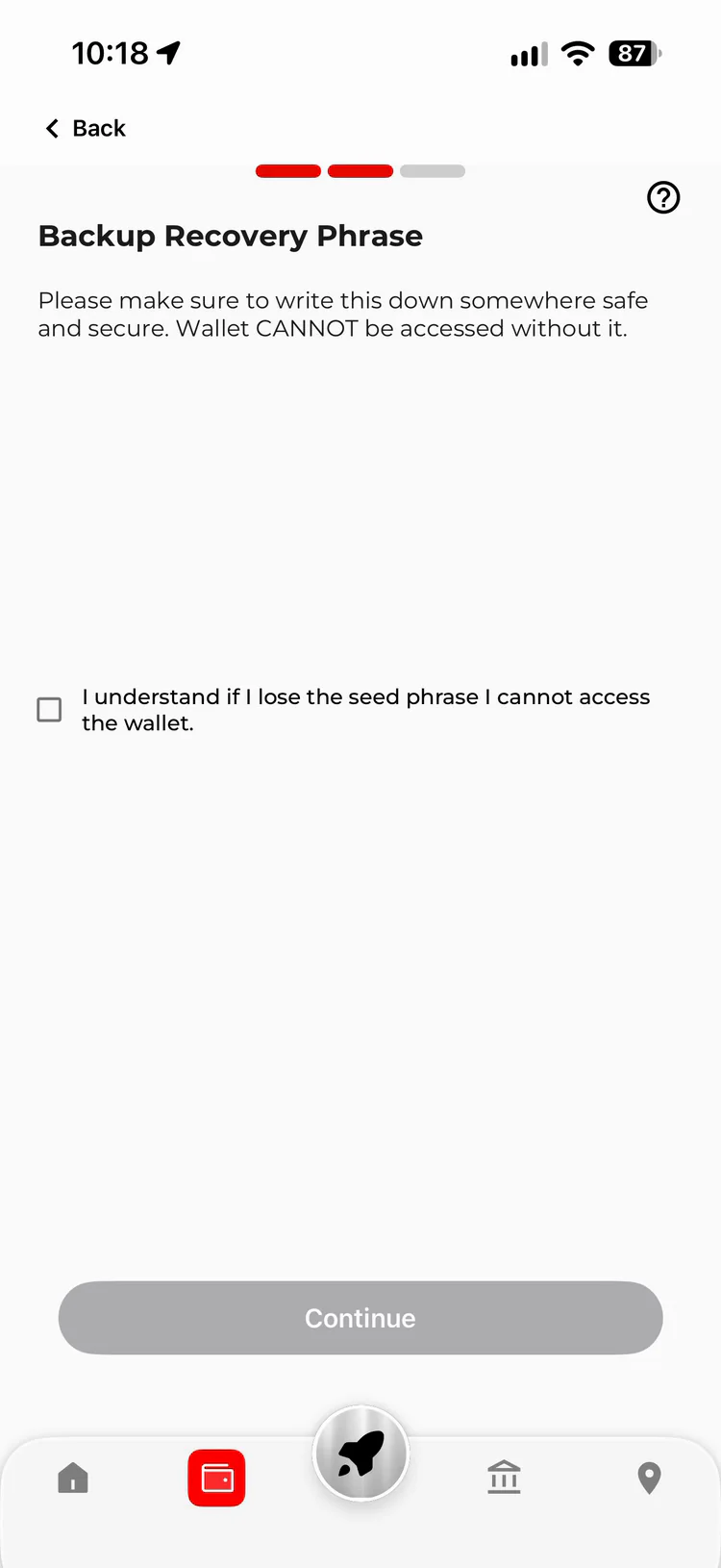
ByteVault shows you a 12-word recovery phrase. Write the words down carefully in the exact order shown and keep them offline, somewhere private and secure.
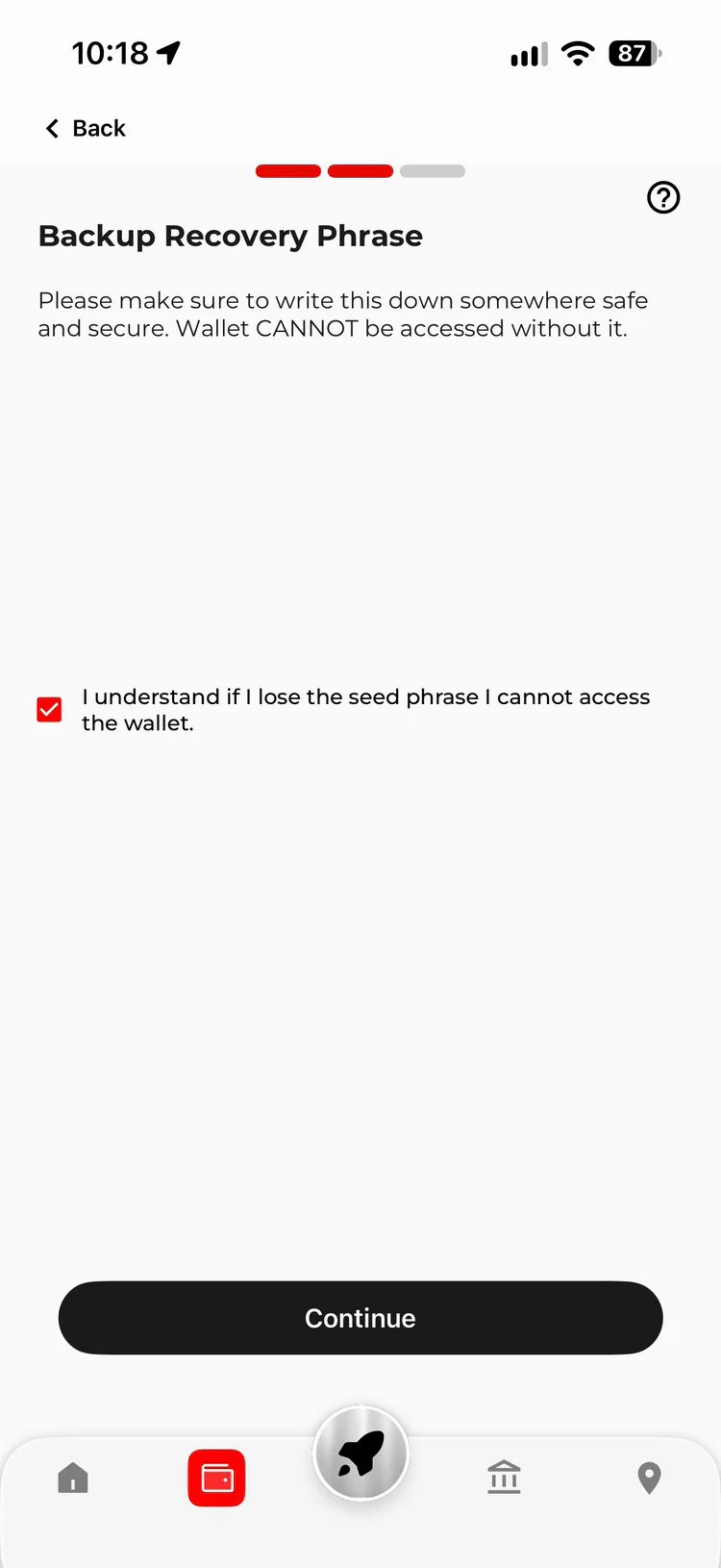
Your recovery phrase is what restores access to your wallet if you lose or replace your phone. Tick the box to confirm you understand this, then tap Continue.
-
Step 4
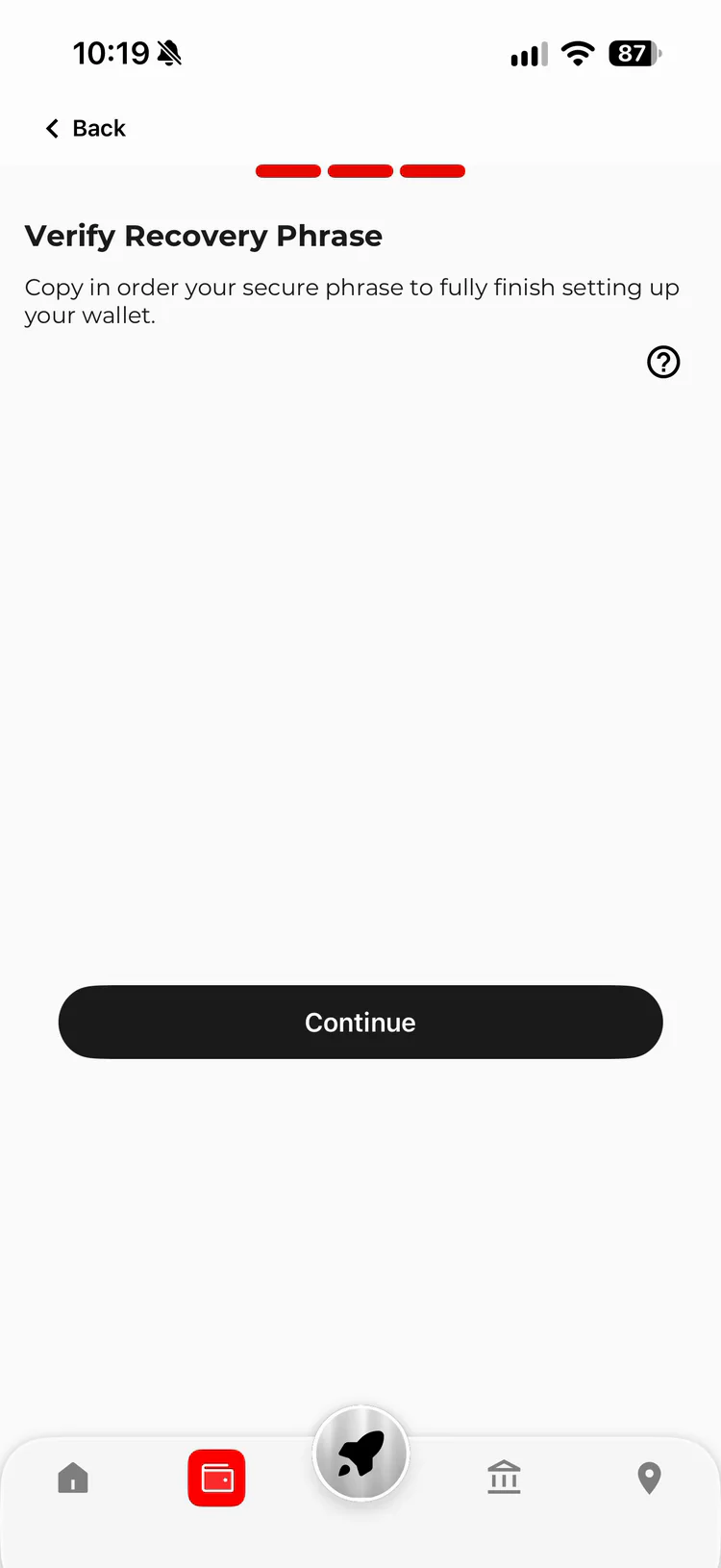
Verify your recovery phrase
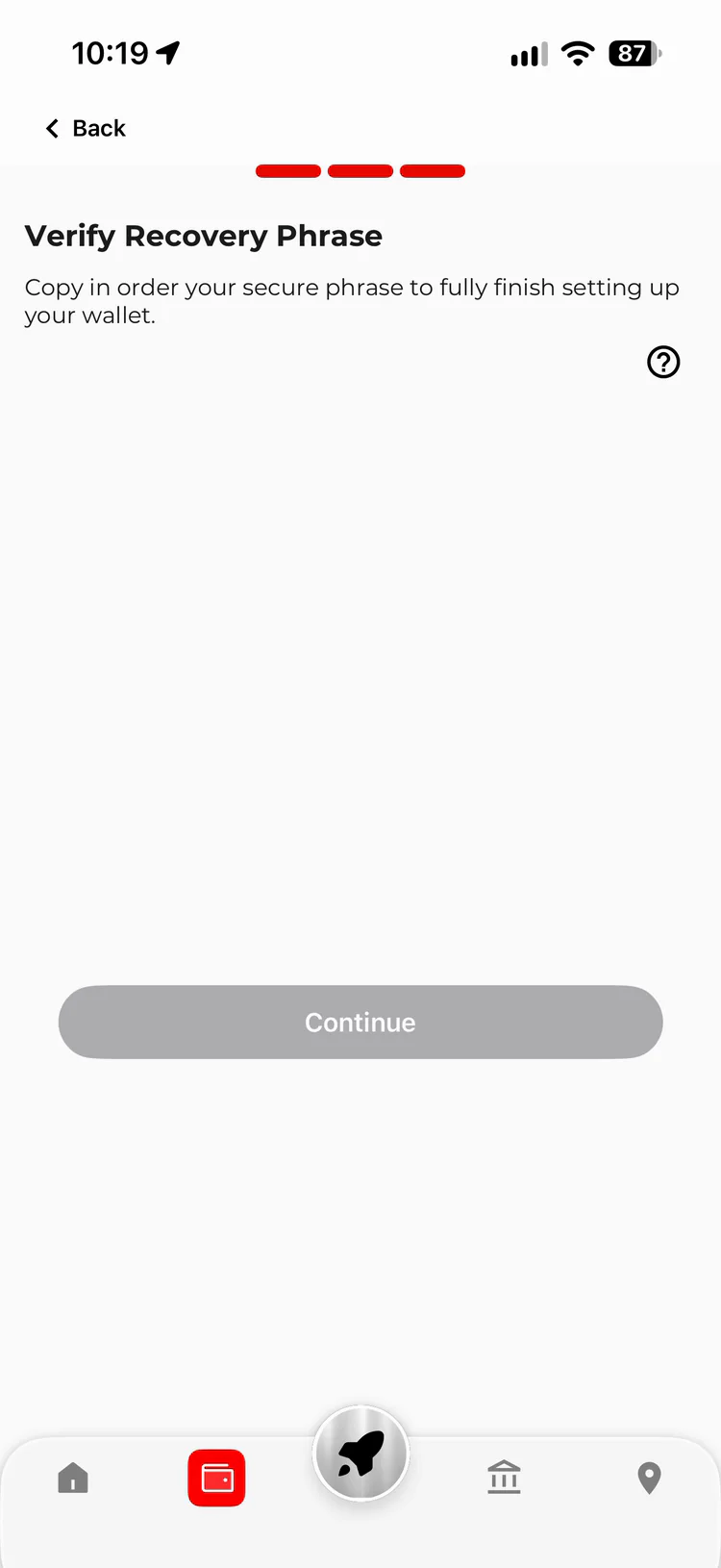
ByteVault asks you to fill in missing words from your phrase. Tap the correct words in the correct order to fill each blank.
Once your phrase is verified, the box turns green and Continue becomes active. Tap it to proceed.
-
Step 5
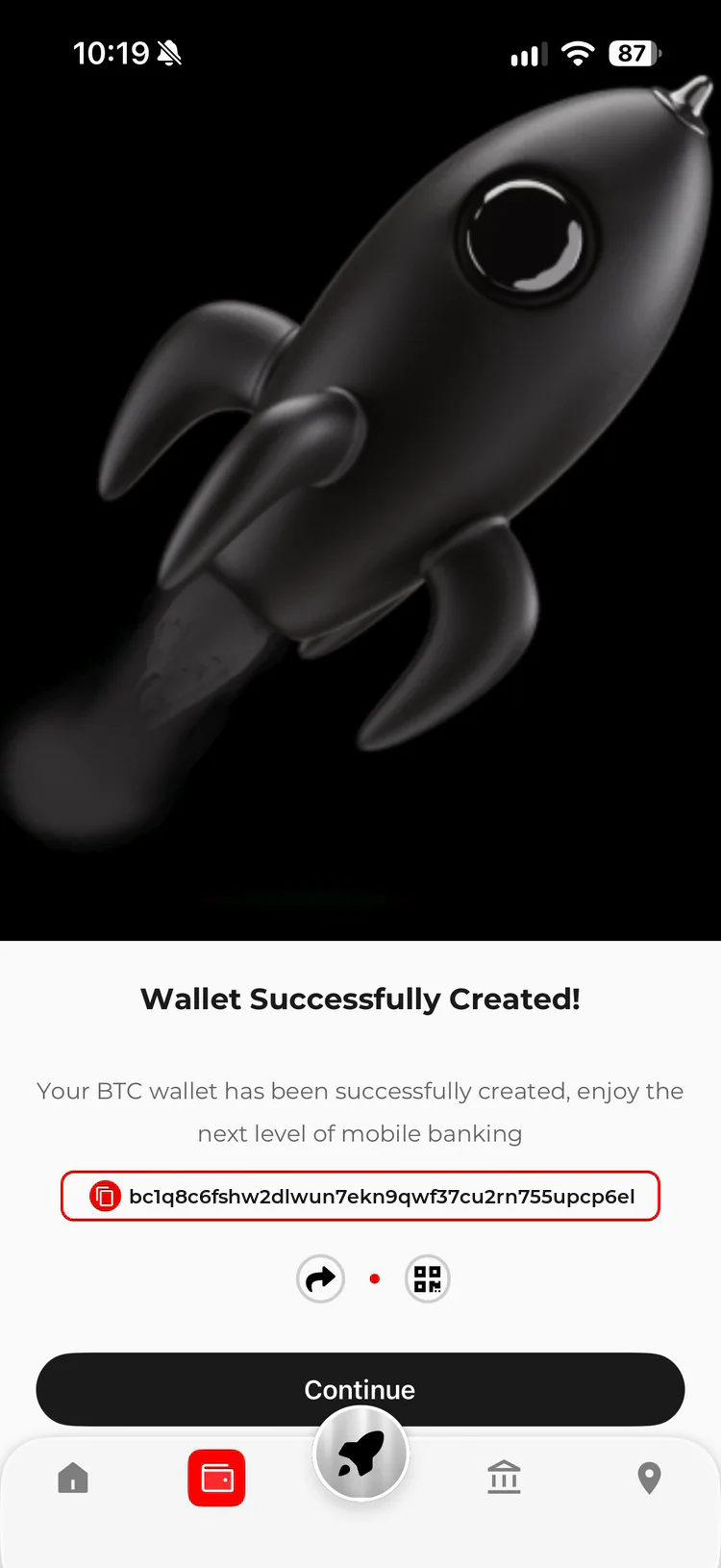
Open your new wallet
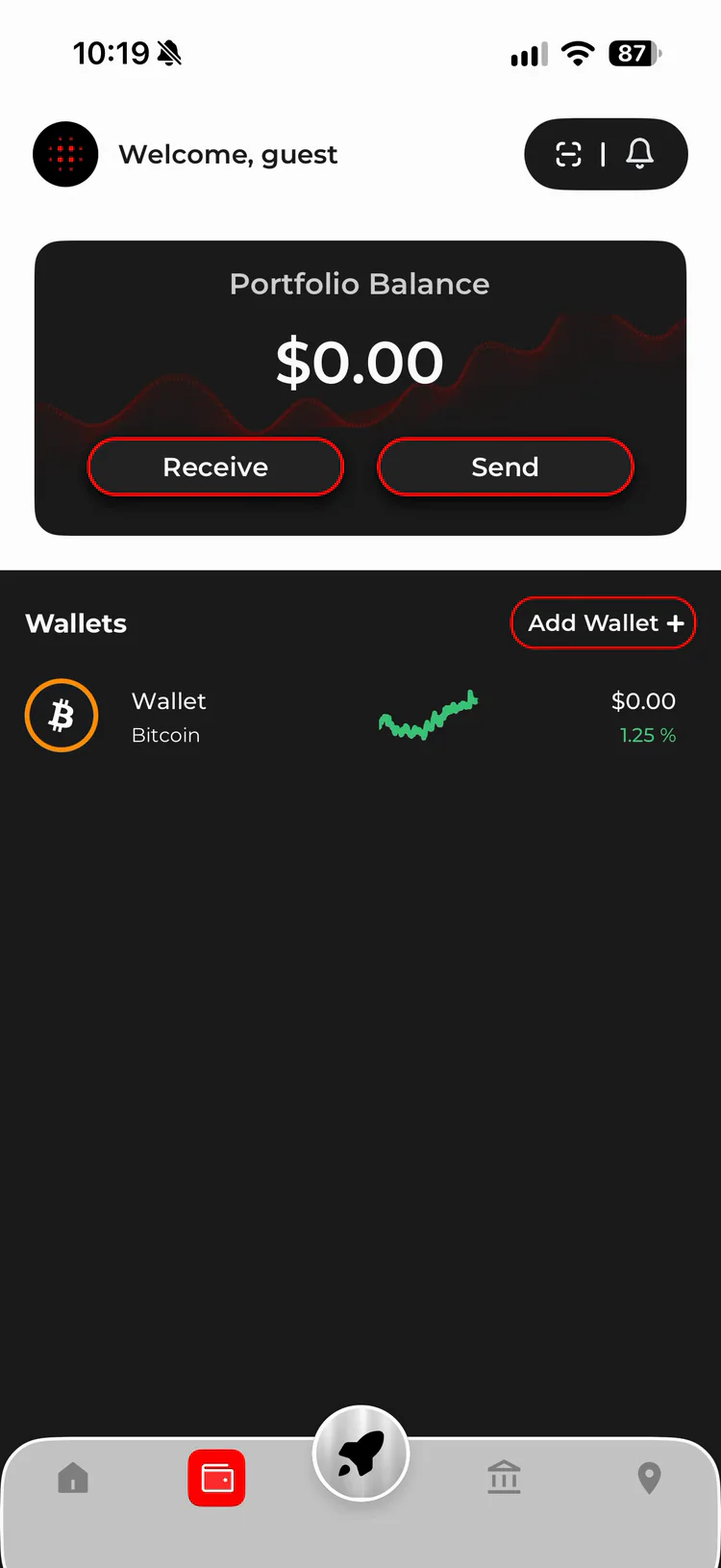
You’ll see Wallet successfully created. Tap Continue and your Bitcoin wallet appears on the Home screen, ready to use.
To receive Bitcoin, open your wallet and tap Receive to show your QR code and address.
Keep your recovery phrase safe
Your recovery phrase is the key to accessing and recovering your wallet. Anyone with these words may be able to access your funds.
- Never share your recovery phrase with anyone.
- Store it securely and keep it in the correct order.
- ByteVault will never ask you to disclose your recovery phrase.
ByteVault is a non-custodial wallet, meaning you control your wallet and its recovery phrase. ByteVault cannot recover a lost recovery phrase for you.
ByteVault by ByteFederal Australia
Ready to get started?
Create your ByteVault wallet and take control of your Bitcoin.
 App Store
 Google Play

iOS & Android